Deagle Cobalt Disruption for CSS v34+
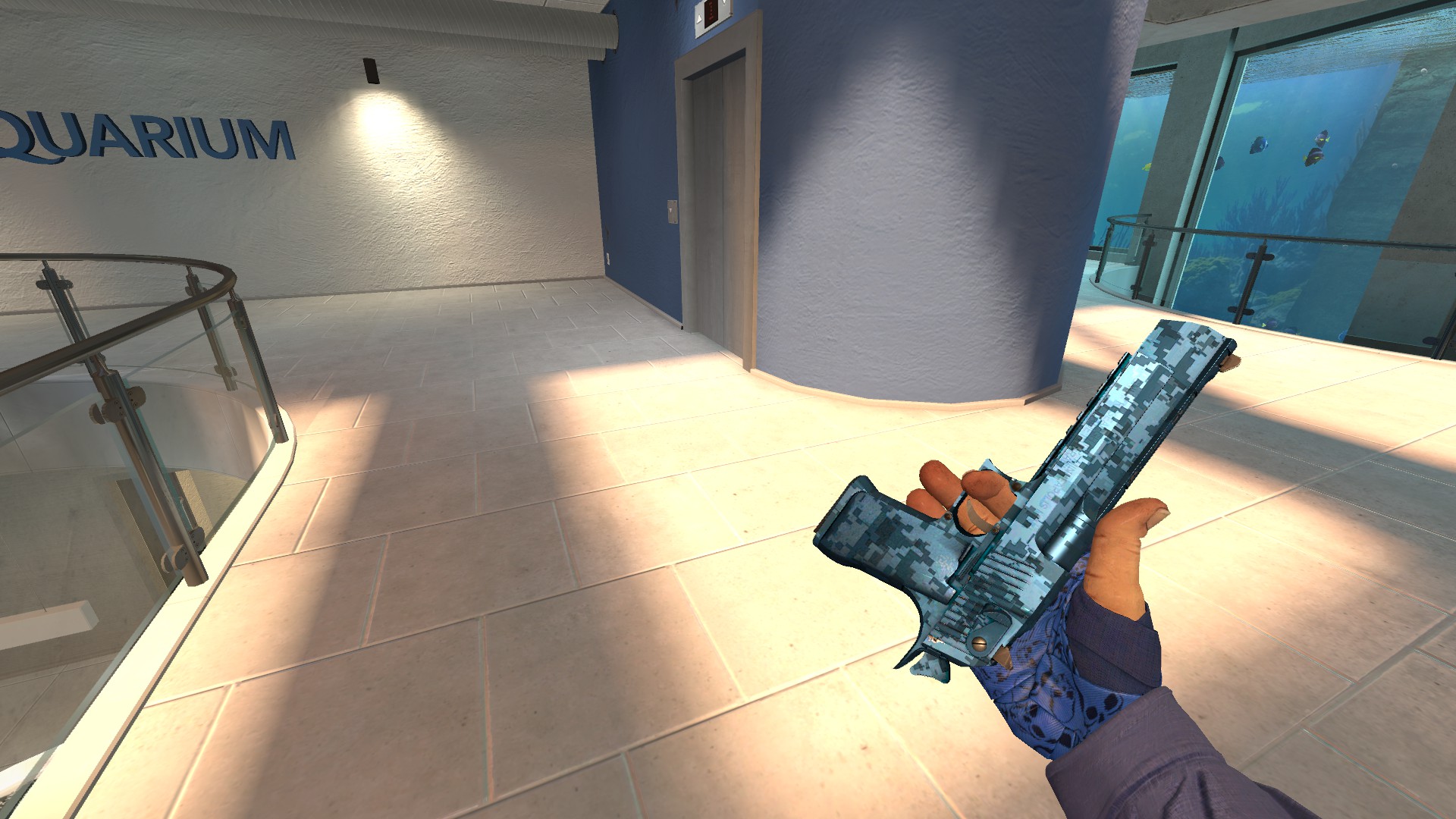
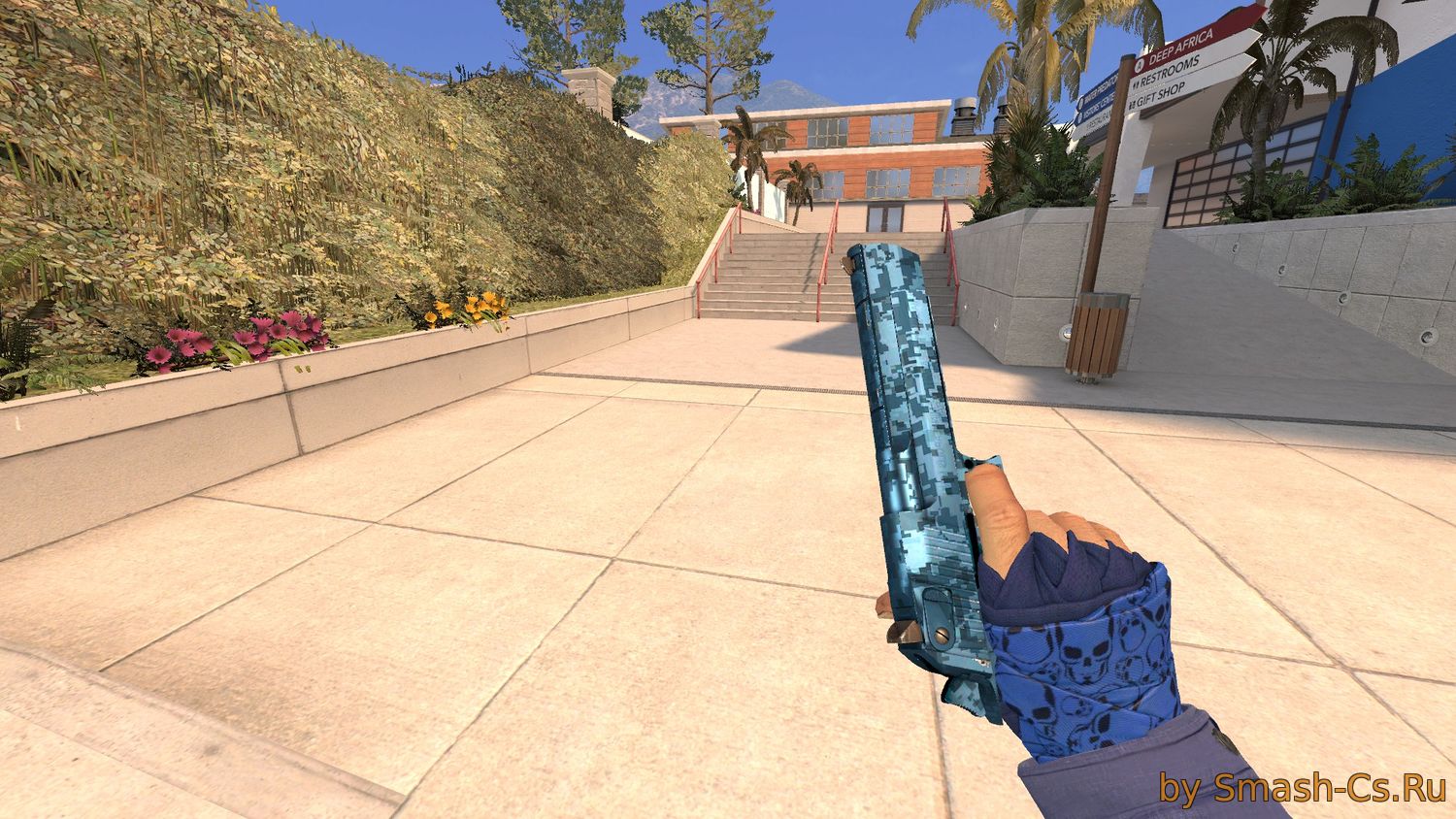
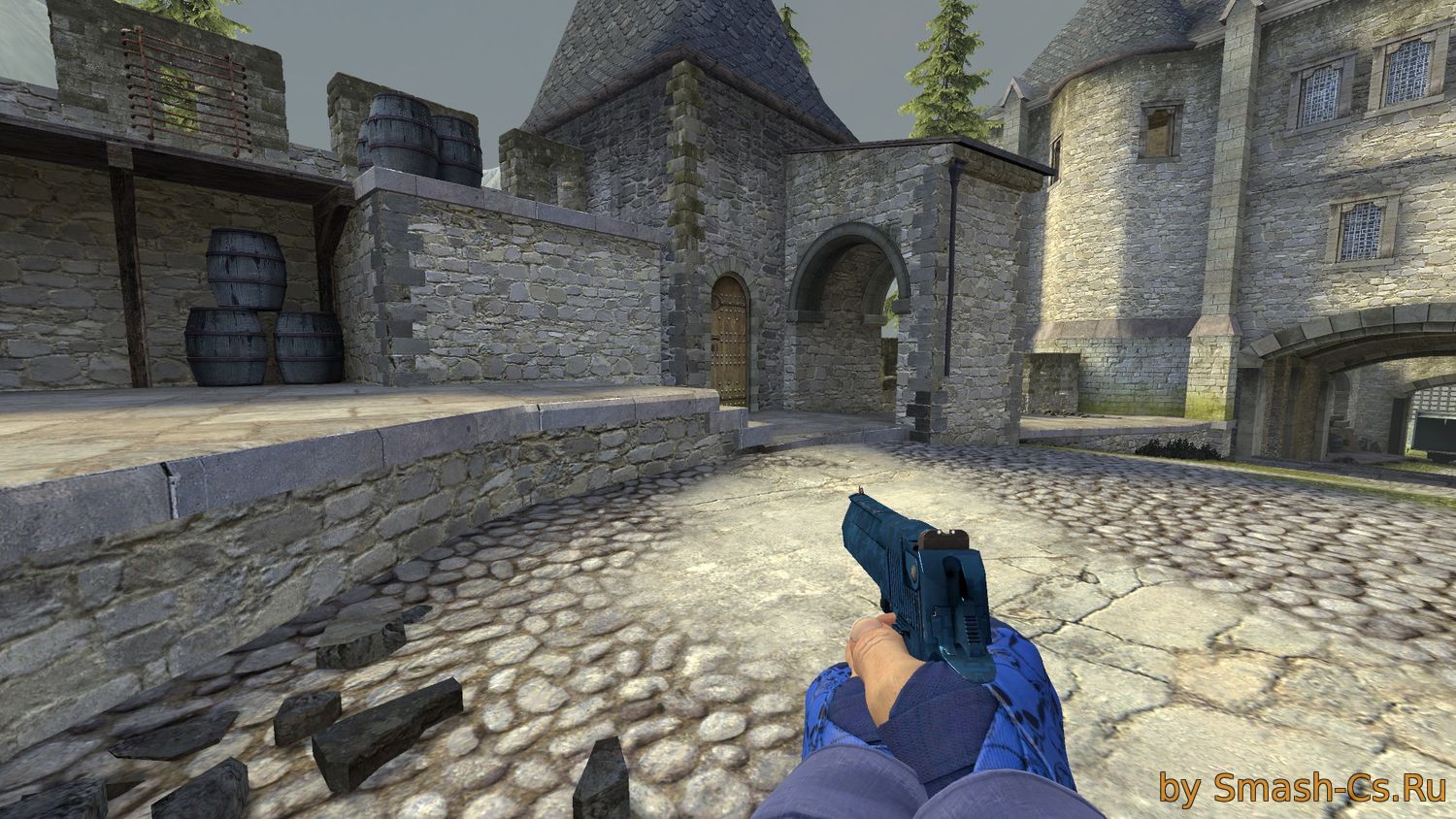
Recommended to download for CS:S
-
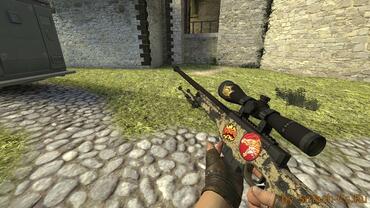
 AWP eco Dragon Lore by Russian Butcher
-
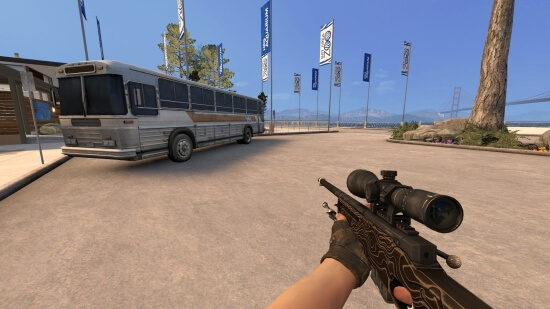
AWP Black Nile (BS) for CSS v34-92+
-
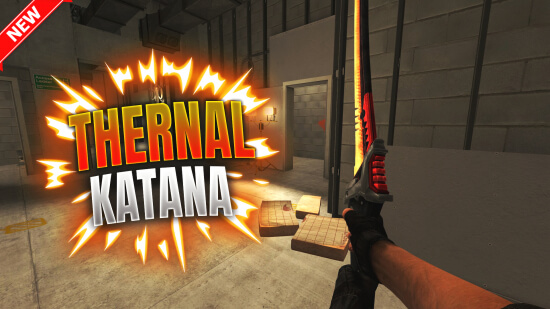
Thermal katana
-
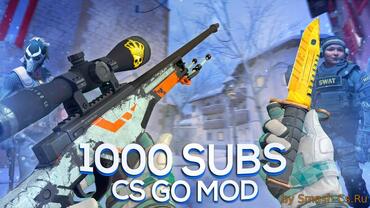
CS:GO mod v10 for CSS v34-91+ [Omega Gloves]
-
CS GO MOD FOR CSS V90/V91+ | MOTO GLOVES SPEARMINT
-
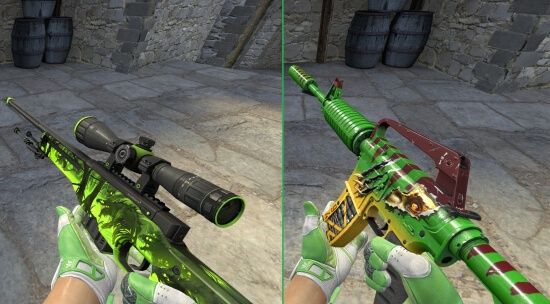
Green Inventory with Hedge Maze Gloves for CS:S v34-92+
-
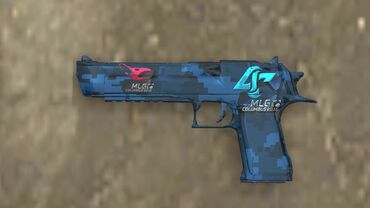
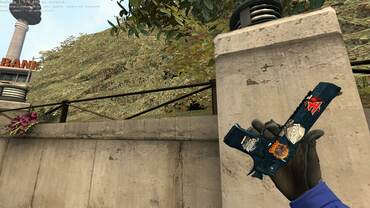
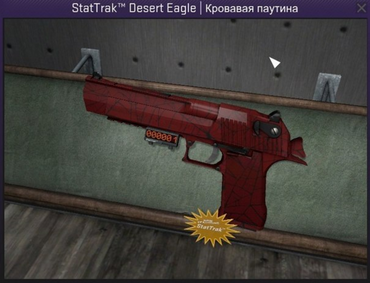
[Fix] StatTrakв„ў Deagle Rusty Cobalt (All Wear) by Flower:D
-
Deagle Rusty Cobalt v.2 by TOMCOH
-
desert eagle | cobalt disruption
-
StatTrak Deagle Pack by Tsvetik:D
-
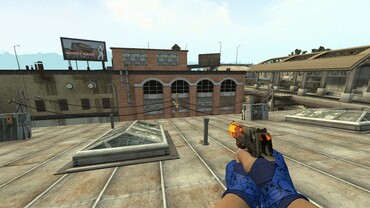
Desert Eagle Flames (animations from Horizon Case)
![CS:GO mod v10 for CSS v34-91+ [Omega Gloves]](/uploads/posts/2018-06/thumbs/4931.jpg "CS:GO mod v10 for CSS v34-91+ [Omega Gloves]")
![[Fix] StatTrakв„ў Deagle Rusty Cobalt (All Wear) by Flower:D](/uploads/posts/2017-07/thumbs/3835.jpg "[Fix] StatTrakв„ў Deagle Rusty Cobalt (All Wear) by Flower:D")
How to install Desert Eagle?
Steam / v92+: Open the archive. Move the folder inside it (e.g. "skin_name") into: cstrike/custom/.
Old v34: Extract the folders (materials, models, sound) directly into your cstrike/ directory. Confirm "Yes" to replace all files.
Does it work on CS:S Android or ClientMod?
Yes, fully compatible.
Mobile (Android): Install exactly like v92 (into custom folder).
ClientMod: Place the skin folder into cstrike_custom instead of `custom`.
Do Desert Eagle mods work on online servers?
Yes, they work on 99% of Community Servers. Only strict competitive servers with sv_pure 1 enabled might temporarily block custom models, but you won't get banned.
Why is the Desert Eagle blurry (not HD)?
Your game might be running in low graphics mode. Open the console (~) and type:
mat_dxlevel 95
Press Enter. This forces High Quality textures rendering.
Can other players see my Desert Eagle?
No, these are client-side mods. Only you see the custom skin. Other players will see standard weapons (or their own skins).