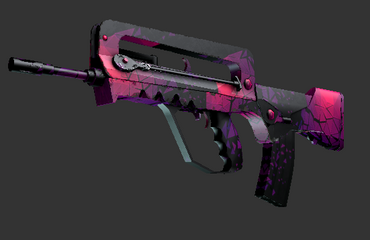
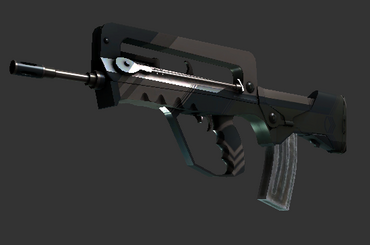
FAMAS Carthage
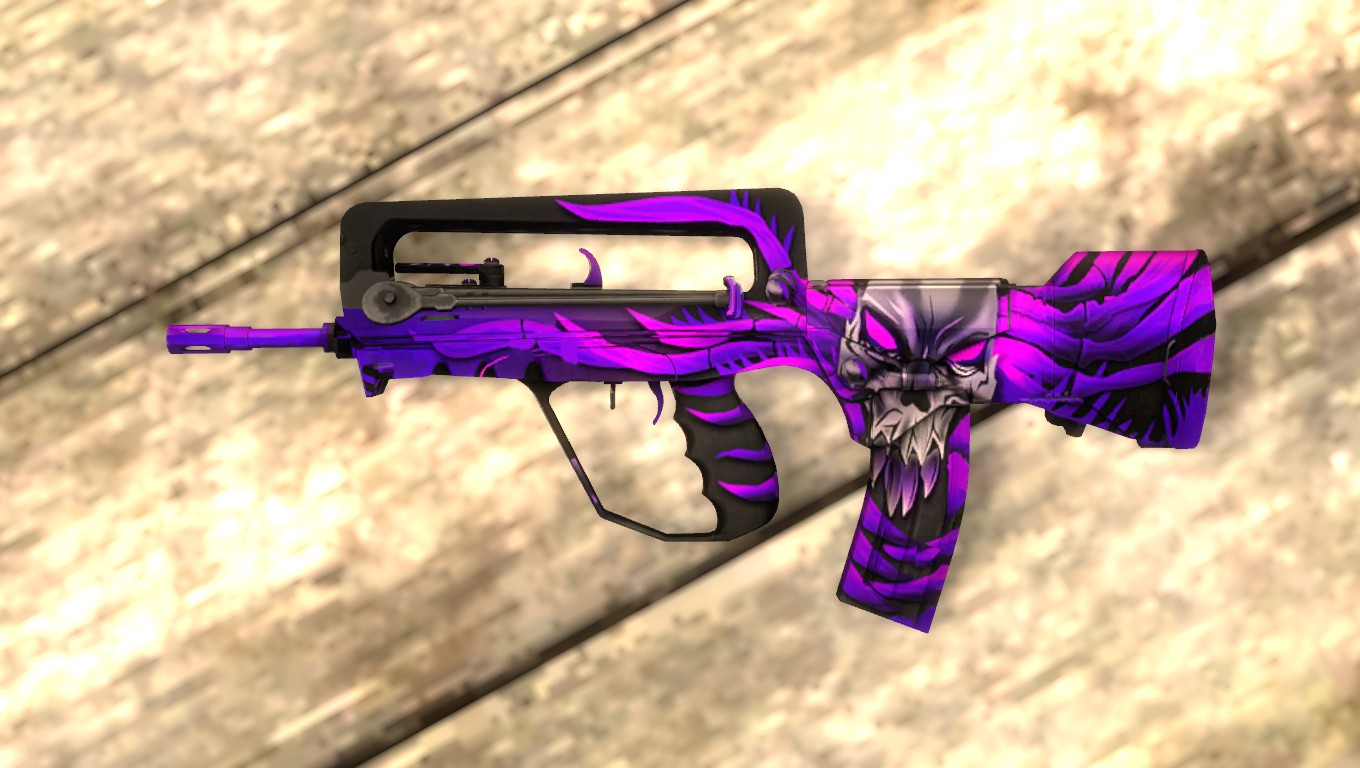
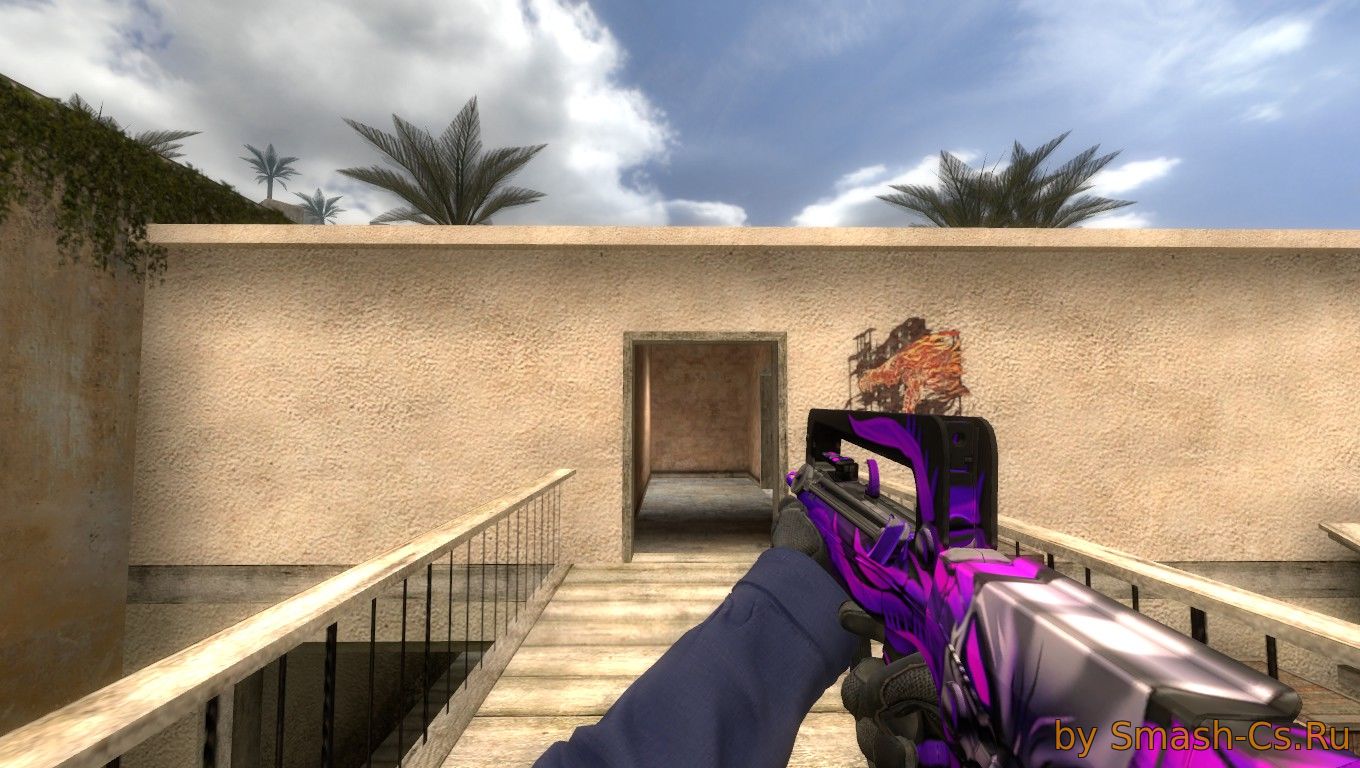
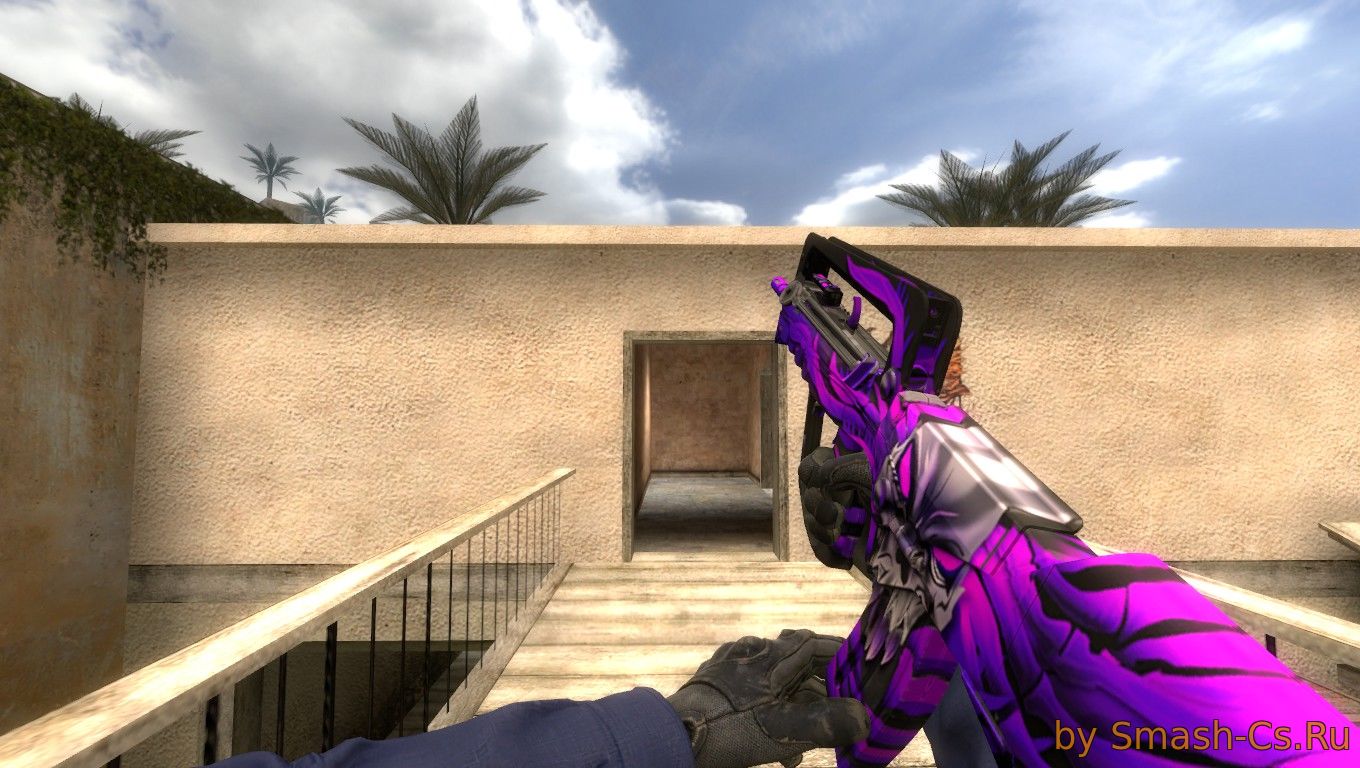
Recommended to download for CS:S
-
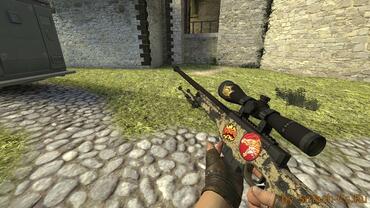
 AWP eco Dragon Lore by Russian Butcher
-
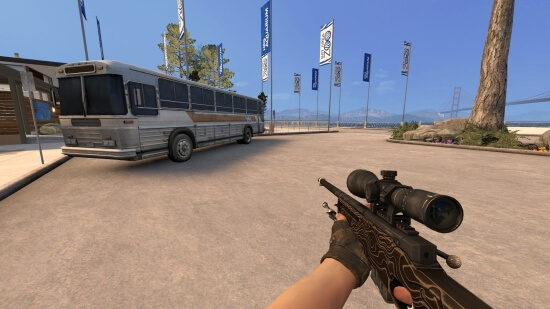
AWP Black Nile (BS) for CSS v34-92+
-
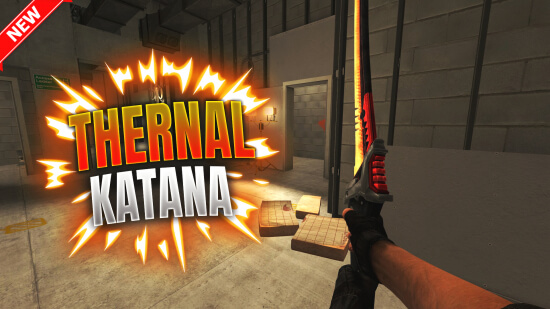
Thermal katana
-
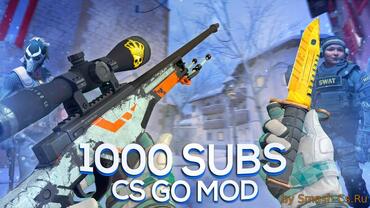
CS:GO mod v10 for CSS v34-91+ [Omega Gloves]
-
CS GO MOD FOR CSS V90/V91+ | MOTO GLOVES SPEARMINT
-
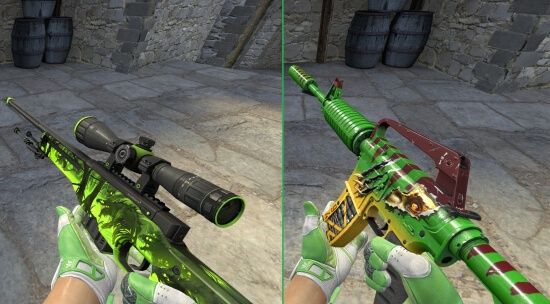
Green Inventory with Hedge Maze Gloves for CS:S v34-92+
-
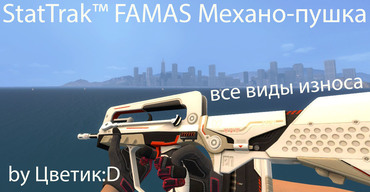
StatTrak™ FAMAS Mecha Industries (All Wears) for CSS v91+
-
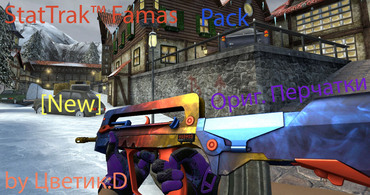
StatTrak™ Famas Pack by Tsvetik:D
-
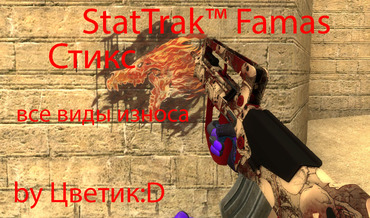
StatTrakв„ў Famas Sticks (All Wear) for CSS v34-v89.
-
Famas Sergeant (2-hands) by Flower:D
-
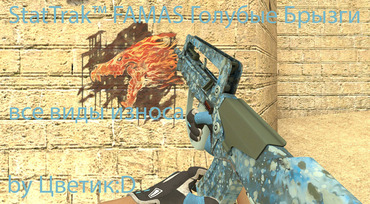
StatTrakв„ў FAMAS Blue Spatter (All Wear) for CSS v89
-
StatTrak Famas Pack for CSS v89 (Original Gloves!)
![CS:GO mod v10 for CSS v34-91+ [Omega Gloves]](/uploads/posts/2018-06/thumbs/4931.jpg "CS:GO mod v10 for CSS v34-91+ [Omega Gloves]")
How to install FAMAS?
Steam / v92+: Open the archive. Move the folder inside it (e.g. "skin_name") into: cstrike/custom/.
Old v34: Extract the folders (materials, models, sound) directly into your cstrike/ directory. Confirm "Yes" to replace all files.
Does it work on CS:S Android or ClientMod?
Yes, fully compatible.
Mobile (Android): Install exactly like v92 (into custom folder).
ClientMod: Place the skin folder into cstrike_custom instead of `custom`.
Do FAMAS mods work on online servers?
Yes, they work on 99% of Community Servers. Only strict competitive servers with sv_pure 1 enabled might temporarily block custom models, but you won't get banned.
Why is the FAMAS blurry (not HD)?
Your game might be running in low graphics mode. Open the console (~) and type:
mat_dxlevel 95
Press Enter. This forces High Quality textures rendering.
Can other players see my FAMAS?
No, these are client-side mods. Only you see the custom skin. Other players will see standard weapons (or their own skins).