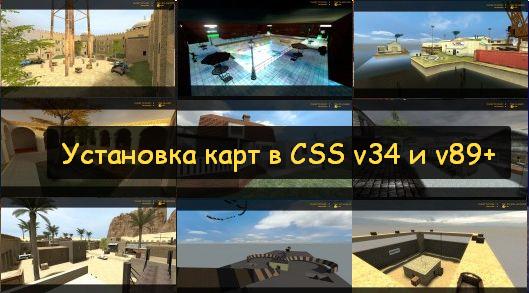
I created this guide for users who don't understand how to install a map for CS Source. After reading this, you will have no trouble with this issue, and you'll be able to download plenty of cool maps for CSS.
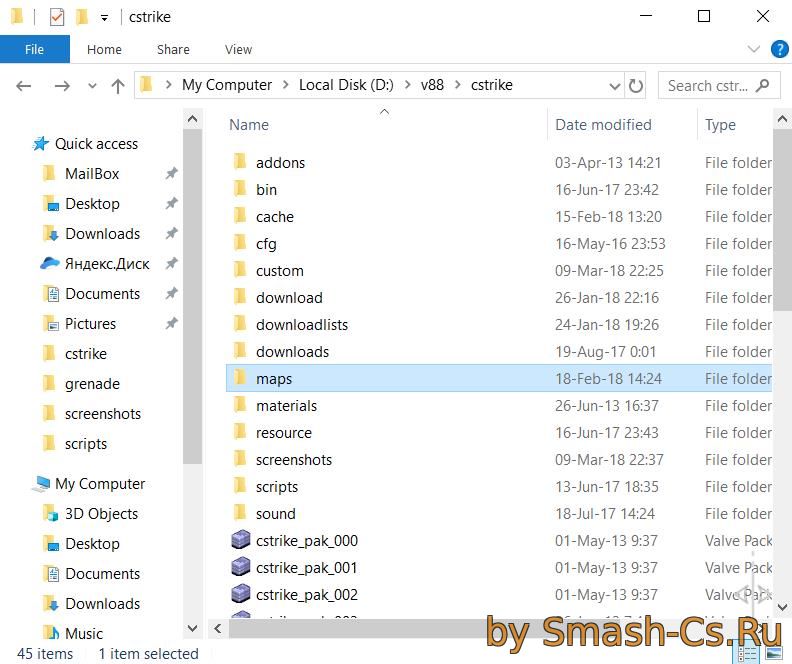
Let's start with the most important part: where are game maps located in Counter-Strike: Source?
- Steam License: .../Steam/SteamApps/common/Counter-Strike Source/cstrike/maps/
- Pirated version (any): .../Counter-Strike:Source/cstrike/maps/
So, to install a map, you just need to copy the downloaded files into the correct folder, and that's it!
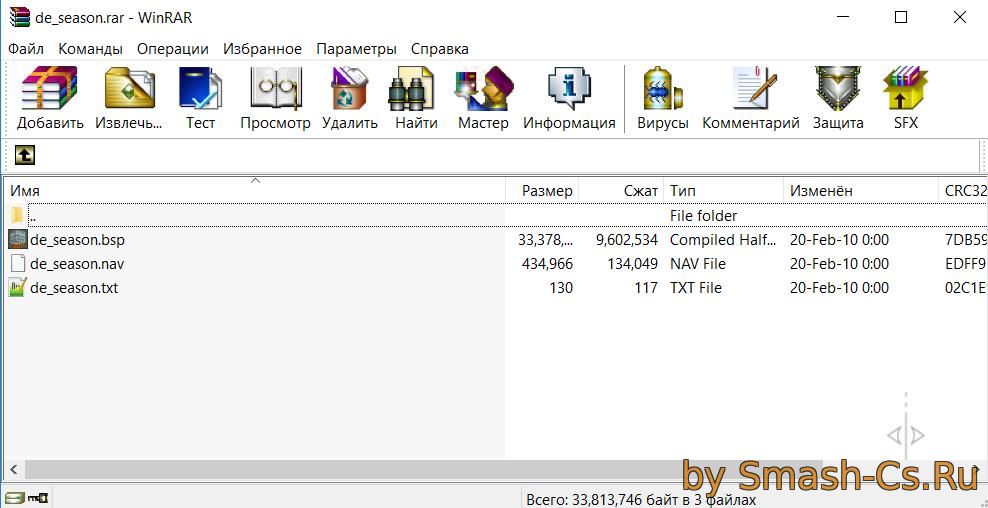
Important! Many maps are usually packed into rar or zip archives; to open them, you will need the WinRAR program.
Now let's move on to another important point: what does a map consist of?.
- The downloaded archive will definitely contain a .bsp file, which is the map itself.
- The .nav file is responsible for bot navigation on the map, i.e., how and where they will move.
As I wrote earlier, these files need to be dropped into /maps, and the installation is complete!