For any player who wants to properly tune their config, maximum gameplay comfort is important. But what should you do if you join a server and see:
- players running around with admin or VIP skins that are hard to hit.
- skins that make it unclear which team the player is on (CT or T).
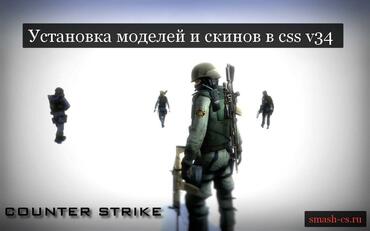
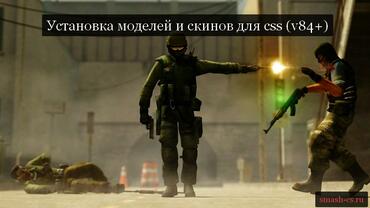
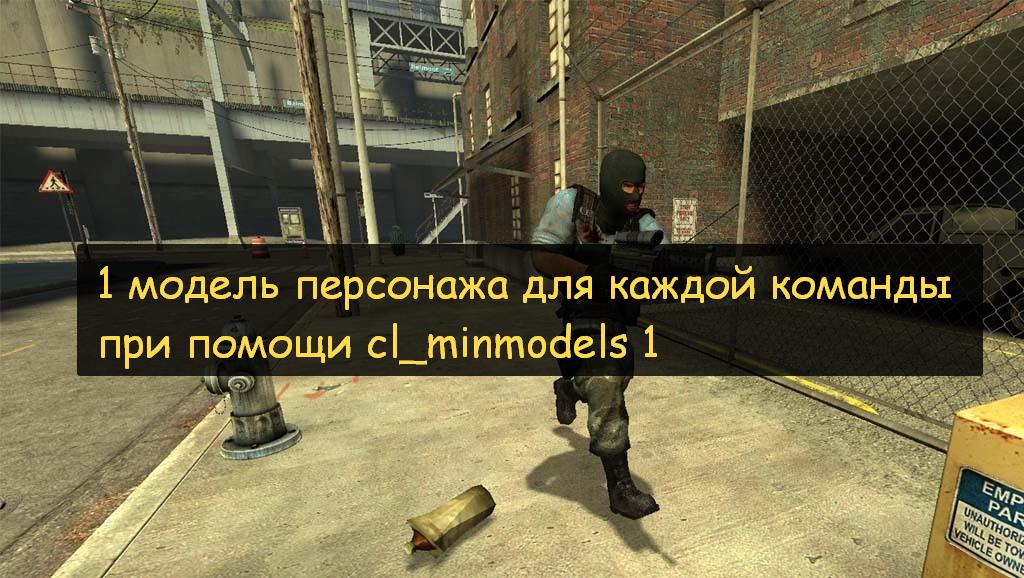
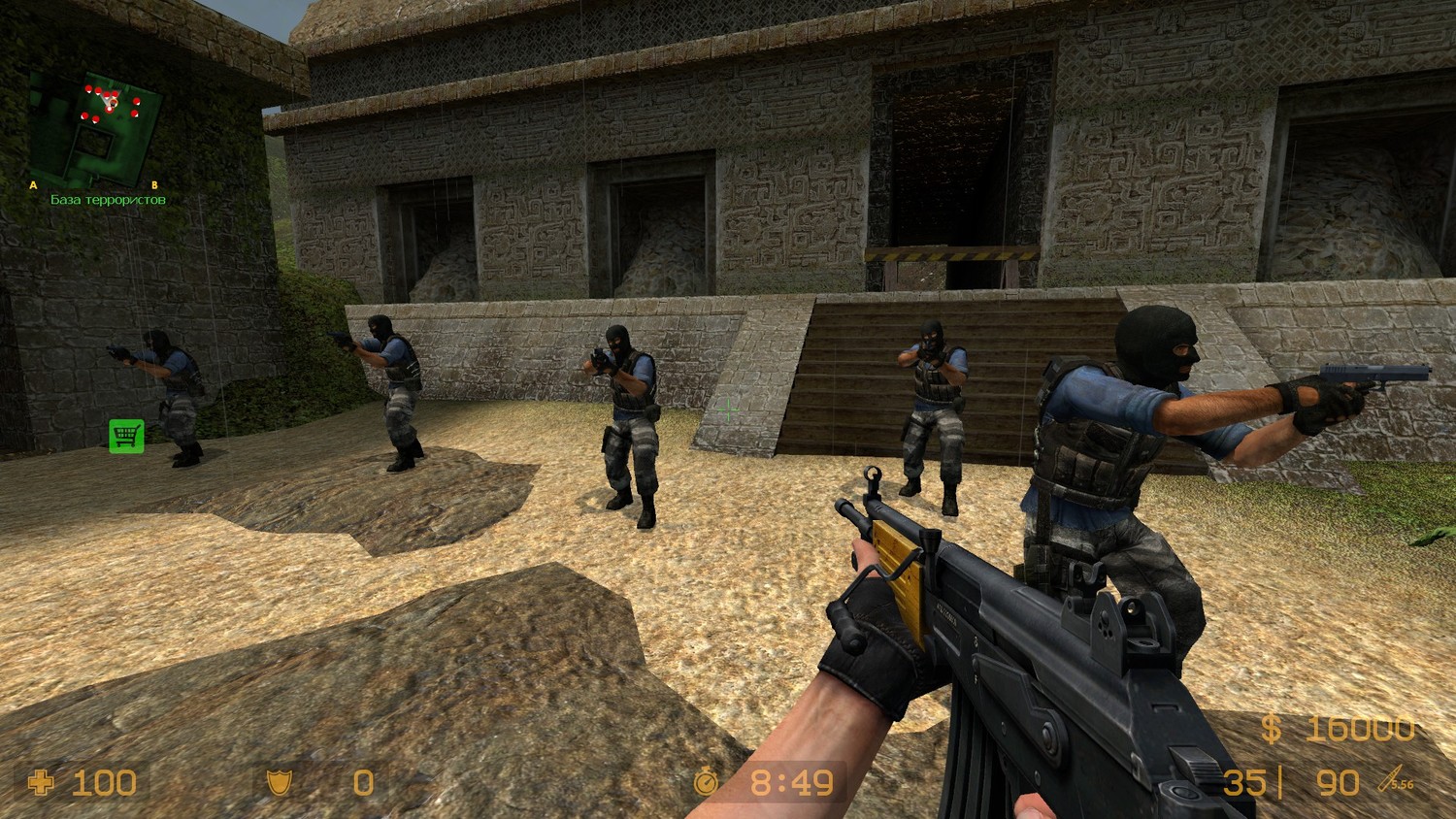
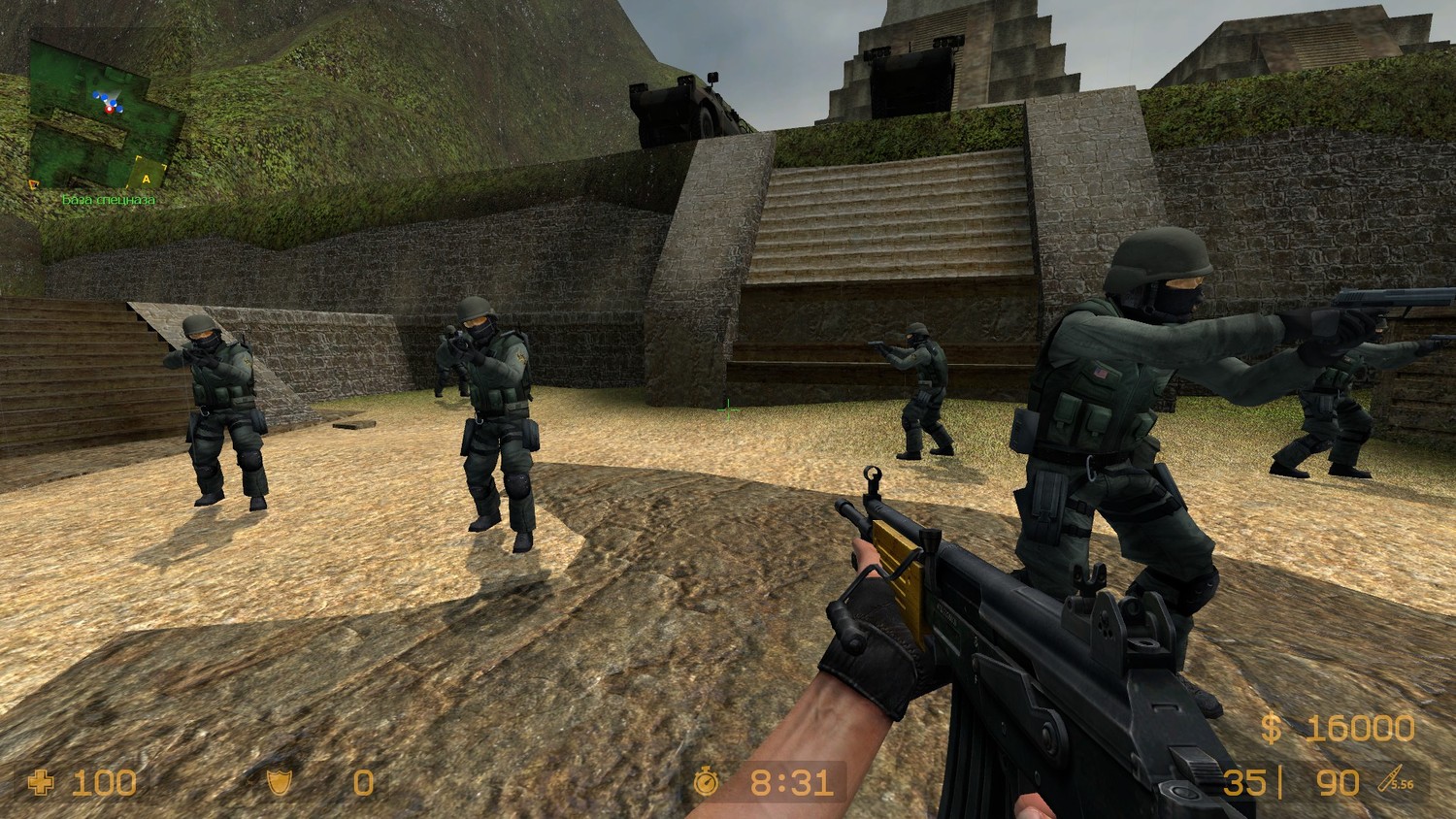
In this case, the command cl_minmodels 1 will save you, which needs to be entered into the console. After activating it, only 1 player model will be displayed for each team: for Terrorists it is the Elite Crew, and for Special Forces it is Seal Team 6 (see screenshots).
To avoid typing this command into the console every time you launch Counter-Strike: Source, you need to:
- Write cl_minmodels 1 into the autoexec.cfg file (located in the cstrike/cfg folder), or into the config.cfg file.
P.S. Also, this function can remove running ERRORs for you and replace them with standard models.